

Role-Based Access Control: Getting It Right the First Time
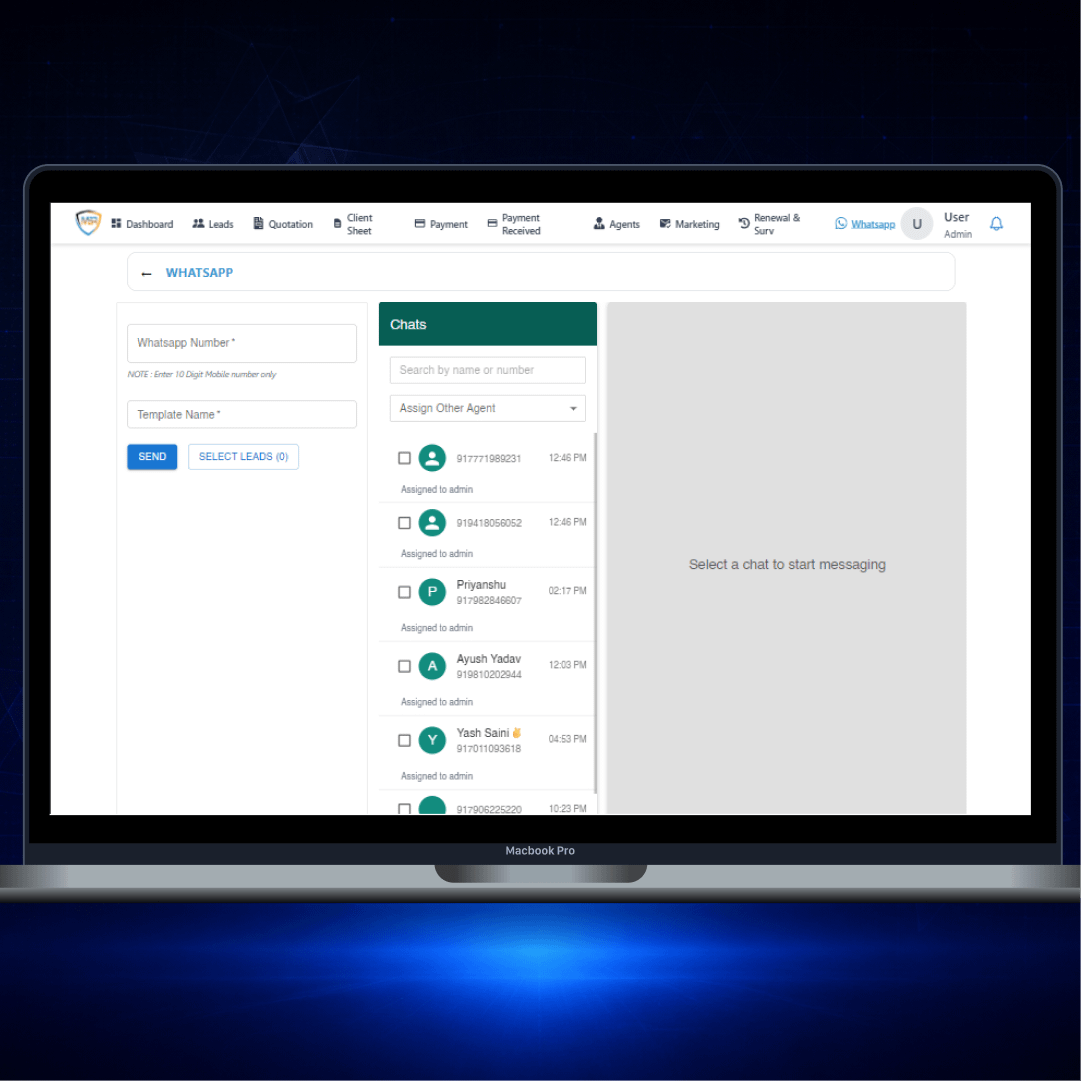
Role-based access control is a permission model where you grant rights to named roles, then assign people to those roles, so no user ever holds a permission directly. Done well it is the cheapest security control you will ever build. Retrofitted late, it becomes a rewrite of every query, screen and API route in the product.
Almost every product we are asked to audit has the same story. Version one shipped with two roles, admin and user, because that was all the MVP needed. Then finance wanted cost prices hidden, an auditor wanted read-only access, and a channel partner wanted to see only their own orders. Eighteen months later the codebase has forty scattered if (user.isAdmin) checks, three of them wrong, and nobody can answer the question a security reviewer always asks: who can see this record, and how do you know? This post is the checklist we work through at design time so that question has an answer on day one.
What role-based access control actually is
The model is older and more formal than most teams realise. It was standardised as ANSI/INCITS 359-2004 and revised as INCITS 359-2012, with the reference model maintained for years by NIST. The NIST RBAC FAQ sets out three basic rules that a conforming system has to satisfy:
- Role assignment. A subject can execute a transaction only if it has selected or been assigned a role.
- Role authorisation. The subject’s active role must be authorised for that subject.
- Transaction authorisation. A subject can execute a transaction only if that transaction is authorised through the subject’s role memberships.
The line that matters most for architecture is this: all access is through roles. Not a flag on the user row, not a hard-coded email address in a config file, and not a developer remembering to check something in a controller.
The standard defines four components. Core RBAC covers users, roles, permissions and sessions, and is required in any RBAC system. Hierarchical RBAC adds role inheritance, so a regional manager inherits everything a branch manager can do. Static and Dynamic Separation of Duty add constraints that stop one person holding, or activating at once, two roles that should never meet. NIST notes RBAC was designed with separation of duty in mind, which is why it fits Indian finance, procurement and compliance products so well.
It is also not a fringe idea. RTI International’s December 2010 report for NIST estimated that NIST’s RBAC research had saved industry around 1.1 billion dollars, through faster provisioning, less employee downtime and cheaper policy administration.
Why Indian products now have a legal duty to control access
Access control in Indian products used to be a client expectation rather than a statutory one. That changed with the Digital Personal Data Protection Rules, 2025, notified by MeitY as G.S.R. 846(E) on 13 November 2025.
Rule 6 lists the reasonable security safeguards every Data Fiduciary must maintain. Three of its clauses are, in effect, an access control specification:
- Rule 6(1)(a): protect personal data by measures such as encryption, obfuscation, masking or tokenisation.
- Rule 6(1)(b): take appropriate measures to control access to the computer resources used by the Data Fiduciary or its processor.
- Rule 6(1)(c): maintain visibility of access to personal data through appropriate logs, monitoring and review, so that unauthorised access can be detected, investigated and prevented from recurring.
- Rule 6(1)(e): retain those logs and the personal data for one year, unless another law requires longer.
Rule 7 then requires the Data Fiduciary to tell affected users about a breach without delay, and to give the Data Protection Board a detailed report within 72 hours of becoming aware of it. You cannot write that report in time if your application does not record who accessed which record under which role.
The commencement dates are staggered, so most teams still have time if they start now.
| Date | What takes effect |
|---|---|
| 13 November 2025 | Rules 1, 2 and 17 to 21 (definitions and the Data Protection Board) on publication |
| 13 November 2026 | Rule 4, covering Consent Manager registration and obligations |
| 13 May 2027 | Rules 3, 5 to 16, 22 and 23, including Rule 6 safeguards, Rule 7 breach reporting and Rule 13 obligations for Significant Data Fiduciaries |
The cost of ignoring it is not abstract. The Press Information Bureau explainer on the Rules sets out the penalty schedule under the Act: up to Rs 250 crore for failing to maintain reasonable security safeguards, up to Rs 200 crore for failing to notify a breach, and up to Rs 50 crore for other contraventions. Significant Data Fiduciaries additionally have to run a Data Protection Impact Assessment and an audit once every twelve months under Rule 13.
If you have not mapped your product against the Act yet, start with our walkthrough of what Indian app owners must change before May 2027.
Seven rules for getting role-based access control right the first time
1. Deny by default
OWASP puts it in four words: “Except for public resources, deny by default.” A new endpoint, a new report, a new export job should be invisible to every role until someone deliberately grants it. The opposite pattern, where new things are visible until someone remembers to lock them, is how data leaks ship on a Friday.
2. Name roles after jobs, name permissions after verbs
A role is a job: Branch Manager, Accounts Payable Clerk, Field Technician, Auditor. A permission is a verb on a resource: invoice.approve, lead.reassign, vendor.payout.view. Keep the two lists separate, and a reorganisation becomes a table change rather than a code change.
3. Enforce on the server, every single time
OWASP’s guidance is that access control is only effective when it is implemented in trusted server-side code or serverless APIs, where the attacker cannot modify the check or the metadata it reads. Hiding a button is a user experience decision. It is not a control.
4. Enforce record ownership, not just role
Role alone answers “can this person approve invoices”. It does not answer “can this person approve this invoice”. OWASP recommends that domain models enforce record ownership so users cannot read or change arbitrary records. In a multi-tenant marketplace this is the highest risk check in the system, because tenant leakage is both a security incident and a commercial one.
5. Build separation of duties in before you need it
The same person should not raise a purchase order and approve it, or create a vendor and release a payment to that vendor. Static Separation of Duty blocks the two roles being assigned to one user at all. Dynamic Separation of Duty allows both assignments but stops both being active in one session. Choosing between them is a ten minute conversation at design time and a multi-week refactor afterwards.
6. Treat every role change as an auditable event
Who granted this role, to whom, when, and who approved it. Rule 6(1)(c) effectively requires this for personal data, and in practice it is the first thing an enterprise procurement team asks for. Store it in an append-only table, not in the same row you are updating.
7. Test permissions the way you test features
OWASP closes its guidance by saying developers and QA staff should include functional access control in unit and integration tests. A matrix of roles against endpoints turns directly into a test suite, and it is the only way to know a refactor did not quietly widen access.
RBAC, ABAC and ReBAC compared
Roles are not the only model, and plenty of products end up using two.
| Model | How a decision is made | Best fit | Main cost |
|---|---|---|---|
| RBAC (role based) | Does the user’s role hold this permission | Internal tools, CRMs, admin panels, compliance portals, most B2B SaaS | Role explosion if you create a role per customer request |
| ABAC (attribute based) | Evaluate a policy over user, resource and context attributes such as branch, amount, time or location | Approval limits, regional data boundaries, time-bound access | Policies are hard to reason about and hard to explain in an audit |
| ReBAC (relationship based) | Is there a path from user to resource, for example owner, member of team, shared with | Document sharing, deal rooms, collaborative workspaces | Needs a graph store or a dedicated service, and careful cache invalidation |
Our default for Indian B2B products is RBAC as the backbone with a few attribute checks on top, typically an approval limit in rupees and a branch or state boundary. That keeps the permission screen explainable to a non-technical admin, which matters more than people expect. For document-heavy workflows the relationship model earns its keep, as in our post on building a secure deal room with NDAs, permissions and audit trails.
Where to enforce permissions in the stack
A permission checked in one place will eventually be bypassed by a second code path. We enforce at four layers, and assume each one can fail.
- Interface. Hide what the role cannot use. This is for usability only and carries no security weight.
- API route. A middleware that maps route plus method to a required permission. Deny by default, and fail the build if a route has no permission declared.
- Domain service. The ownership and business-limit checks that the route layer cannot know about, such as whether this invoice belongs to this branch and sits under this approver’s limit.
- Database. For multi-tenant products, a last line of defence.
That last layer is worth the effort on PostgreSQL. Row level security is enabled with ALTER TABLE orders ENABLE ROW LEVEL SECURITY; and policies are added with CREATE POLICY. Two details from the PostgreSQL documentation on row security policies catch teams out. First, when row security is enabled and no policy exists, the default is deny, so nothing is visible until you write a policy. Second, superusers and roles with the BYPASSRLS attribute always bypass row security, and the table owner bypasses it too unless you run ALTER TABLE ... FORCE ROW LEVEL SECURITY. Applications that connect as the table owner, which is most applications, therefore get no protection at all until that is set.
Background jobs, CSV exports, scheduled reports and webhook handlers are the usual gap. They often run as a service account with no role at all, which is the fastest route to an accidental full-table export.
A permission matrix you can start from
Before any code, we fill in a grid. Rows are roles, columns are resources, cells are verbs. Here is a trimmed version for a B2B marketplace or distribution product.
| Role | Orders | Pricing | Vendors | Payouts | Users and roles | Audit log |
|---|---|---|---|---|---|---|
| Super Admin | All | All | All | View | All | View |
| Ops Manager | Create, view, edit, cancel | View | Create, view, edit | None | None | None |
| Sales Executive | Create, view own | View sell price only | View | None | None | None |
| Finance | View | View cost and sell | View | Create, approve under limit | None | None |
| Vendor | View own | Edit own | Edit own profile | View own | None | None |
| Auditor | View | View | View | View | View | View |
Two things usually surface the moment a client sees this grid. The cost price column is more sensitive than anyone said in the requirements call, and nobody had thought about the auditor, which is why auditors so often end up with an admin login.
The same grid is what drove the admin and customer separation in our Fact Flow compliance portal, where role-based access, verification workflows and audit logs sit alongside CIN, DIN and GST lookups. If you are building something similar, our write-up on compliance portal development at scale goes deeper into the data side.
Testing and auditing role-based access control
Three habits separate a system that passes a security review from one that does not.
Write negative tests, not just positive ones. For every endpoint, assert that each role which should not reach it receives a 403 rather than a 200. The matrix above gives you the test cases directly, and even a modest grid produces a few hundred assertions that run in seconds.
Log and alert on failures. OWASP recommends logging access control failures and alerting administrators on repeated ones, and rate limiting API and controller access so automated tooling cannot grind through object identifiers. A single 403 is a misconfigured integration. Two hundred in a minute is an attack.
Kill sessions when roles change. This is the one almost everyone misses. If you demote a user, their existing session or access token still carries the old claims until it expires. OWASP’s guidance is to invalidate stateful session identifiers on the server after logout, keep stateless JSON Web Tokens short-lived, and use refresh tokens with OAuth standards so longer-lived access can actually be revoked. A role change should force re-authentication or a token refresh, not wait out a 24 hour expiry.
Finally, schedule a quarterly access review. Export the role assignments, send them to the function owners, and remove what nobody can justify. It takes an afternoon and it is the cheapest thing you can show an auditor.
Five mistakes that cost the most to undo
- The
is_adminboolean. It always becomes three booleans, then five, then a nightmare. Start with a roles table even if you only have two roles. - Roles named after people or teams. “Rahul’s access” and “the Noida team” do not survive a reorganisation. Name the job.
- A role for every customer request. Role explosion is the classic RBAC failure. If you are past roughly a dozen roles, you probably need one or two attributes instead, such as an approval limit or a branch scope.
- Permissions checked only on the write path. Search, exports, reports, notification emails and the mobile API all need the same filter. Broken access control is still the number one risk in the OWASP Top 10 for 2025, with over 1.8 million occurrences in the contributed data.
- No read-only role. Without one, auditors, consultants and support staff all get admin, and your audit log stops meaning anything.
Getting it right on your product
If your product is heading towards the May 2027 DPDP deadline with an is_admin flag and no audit trail, the work is smaller than it looks today and much larger in a year. We usually start with a permission audit: map the roles that exist in practice, build the matrix, find the endpoints with no check, and sequence the fixes without freezing the roadmap.
Talk to our team about a role-based access control review as part of your next build or refactor. See how we approach custom software development, or send us your current permission model and we will tell you honestly what we would change.
[…] Role, group, then override. Three layers, evaluated in that order, with deny always beating allow. Four roles cover most rooms: owner, internal contributor, external reviewer, read-only observer. For the wider permission model behind this, see our guide to role-based access control. […]